Execute Transactions
Executing transactions in GenLayer Studio means calling the write methods of a deployed Intelligent Contract to perform specific actions or queries. After deploying your Intelligent Contract and verifying its state, use transaction execution to interact with the contract's methods and functions and review the returned results.
Write Methods
-
In the Write Methods section, you will see all the write methods available in your Intelligent Contract.
-
Expand the method you want to execute. For example, in the Storage contract, select the
update_storagemethod. -
If the method requires input parameters, a field will appear for you to enter the necessary values. For example, the
update_storagemethod requires a string callednew_storage.
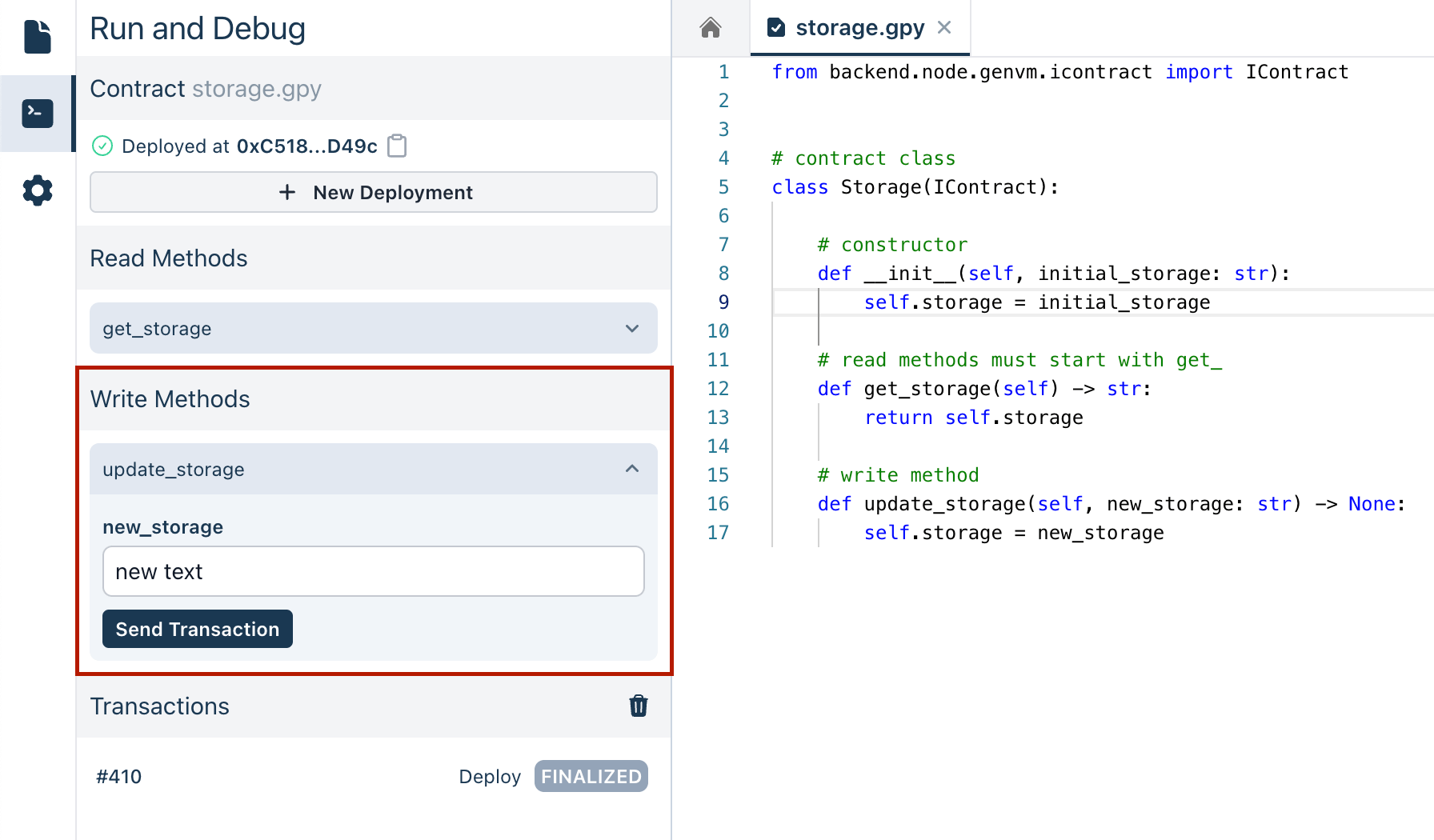
- After entering any required parameters, click the button to execute the method. The Studio will process the transaction and return the result.
Viewing Transaction Results
Once you execute a transaction, the result will be displayed, showing the output of the method called. This allows you to verify that the method has executed correctly and to see the effect of the transaction on your contract's state.
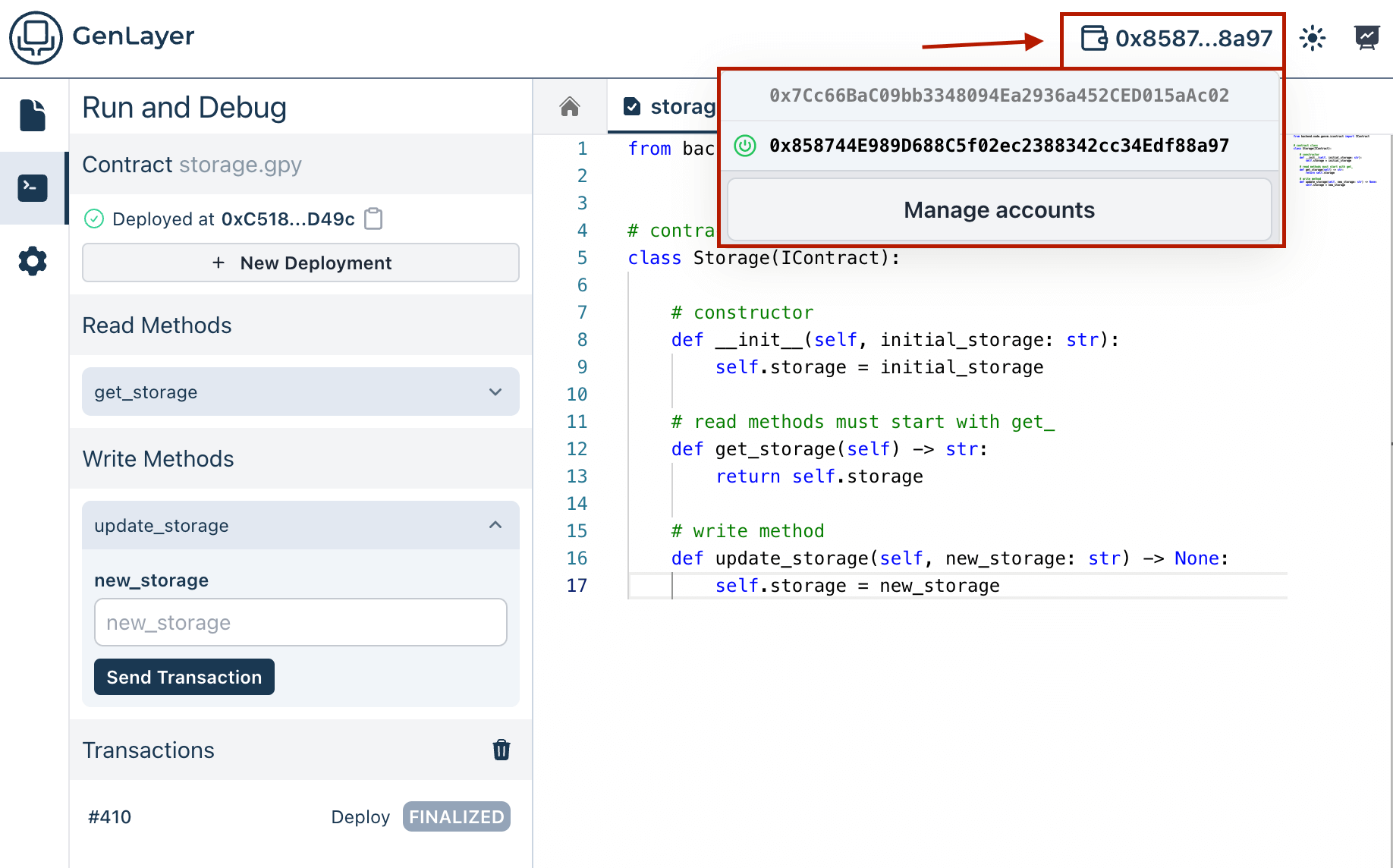
Viewing Current Account Address
You can also view your current account address in the header. This address is used to interact with your contract.
You can continue interacting with your Intelligent Contract by executing additional transactions or checking the state again to see how it has changed.